
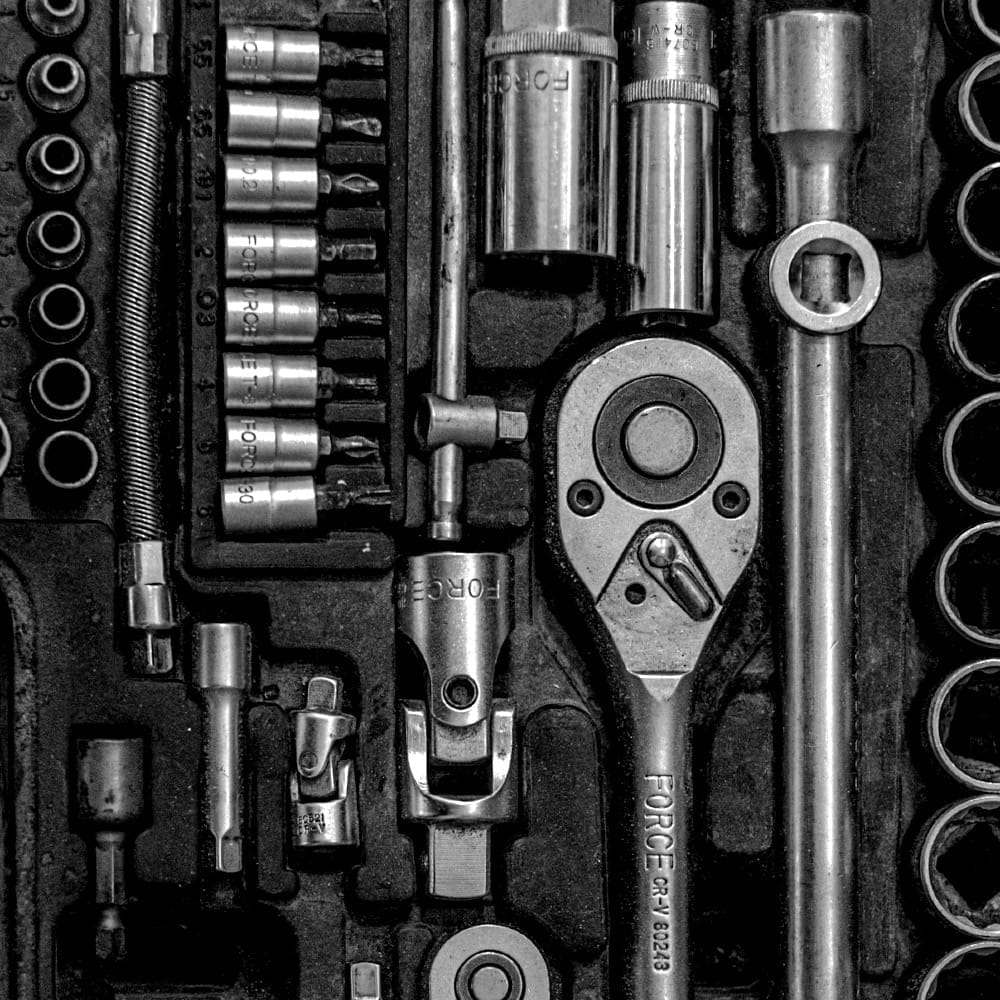
Exercise: Parts for Tools
In this exercise, we'll play with tool patterns, not with tools, and see if that helps us think of opportunities. A tool, for here, is something that acts for us. A pattern is something that tells us about the parts of a tool, and how they fit together.
Tools, and the right tool
We use a tool because we do a better job with the tool. We may have to make a new tool to have the right tool– and making means you need to use the tools you have around you. You select tools based on what they can do, configure those tools to do what you need, combine tools so that they work together, and use the resulting 'right' tool with care for the purpose you intend.
And then you pick it up because it's there, use it for the wrong thing, and stick the sharp end through a thumb.
Exercise 0 – warm up
5 mins max
Let's talk about what we build tools from, and what we're comfortable with. Your tools may look like processes, or shortcuts, or templates – for the rest of this exercise, we'll tend towards tools that you can run on a computer.
We'll talk about where our tools typically run, and what they typically operate on.
See https://www.workroom-productions.com/parts-for-tools/#examples
Examples (copy)
- I have a JavaScript Bookmarklet tool that runs when I click a bookmark button. Running in my browser, it acts on the current page, and gives me a form to send the page's URL and title to a bookmarking service. info -> action
- I have an AppleScript tool that runs on my Mac, on request from my dock. It works with my browser and summarises its state in an alert. info->aggregate
- I have a commandline tool that runs on my Mac when I trigger it, that sees what files with particular extensions in the current directory are referenced in files in another directory. info->filter->aggregate
- I have an IFTTT tool that is triggered when someone takes a particular action on my website. It reacts to a webhook and sends me an email.
- I have a HomeKit tool that runs in my home cloud, and turns some lights on at sunset.
- I have an Ansible tool that runs on request on my Mac: it fires up and configures a remote virtual server, provisions it, loads up information, gets ssl certificates, makes a web page and starts several services.
Exercise 1 – play with patterns
5-10 mins
A pattern is something that tells us about the parts of a tool, and how they fit together.
Bring a pattern you know – or pick one from below. To get in touch with the pattern, think of one or more tools you've used or made, and how they fit the pattern. The examples may help (or they may not – use as you see fit).
Look in the tool list for tools that fit the parts of the pattern. Using the pattern you're familiar with, think of another couple of tools using different parts. Your imagined tools do need to be purposeful, and they don't have to be test related.
Then we'll exchange ideas. We'll get a feel for the ways that we can structure custom tools, and look out for ideas for tools we could use in work.
Exercise 2 – propose new custom tools
5-10 mins
With luck, you've got some thoughts about something that a custom tool would help with. You might recognise a pattern, or you might usefully build a custom tool for yourself.
Sketch out your custom tool on the Miro board.
Show your custom tool to the group. Talk about what you'll use, how you'll grow it, how you know it's working.
Tool pattern directory
Here are a few rough patterns to help us think about tool types as we build. Examples... coming.
tool + options
A single tool that – with the right options – gets you all the way there.
info → filter
One tool gathers the information, the next works on it, giving you the information you need.
info → filter → aggregate
The information is gathered, transformed, and condensed. You loose the details, and get the big picture.
info → aggregate → filter
The big picture is too big – let's ignore some of it
info → action
Change files, send info, trigger web events, send info to an api
measure
Get duration, or what files are open, storage consumption, memory pressure
compare
files, or results from different sources or at different times
monitor and act on event
alert a human / capture data / take action in response to an event
act regularly / act later
capture information autonomously for later analysis
check with user
process a list with a human in the loop
template / expand
generate text on request
generate input + call a routine
generate a range of data, pass it through code, return output
Parts Directory
Note – this is for the exercise. I'll keep a directory here, and may get rid of this list.
Here's a few lists to get started. Most of these are installed by default.
context
where will it do its work – your machine, a browser, the internet?
what will it work on – files, processes, environments, downloaded data?
Info – gather / produce
files and text
| Command | Description |
|---|---|
ls |
List directory contents |
find |
Return files to match criteria |
cat |
Concatenate and print files |
df |
Report free storage space |
du |
Estimate file space usage |
file |
Report type of files |
seq |
Generate number sequences |
echo |
Display text |
system
| Command | Description |
|---|---|
ps |
Report process status |
date |
Report system date and time |
env |
Report environment variables |
newtwork / remote
| Command | Description |
|---|---|
curl |
get info from an internet source |
wget |
get a file from an internet source |
ping |
contact a network address |
ifconfig netstat ss iproute |
network information |
Excel / sheets / notepad / VSCode
| excel: paste csv / tsv | import rows, splitting into colums |
| copy from somewhere, paste somewhere else| |
Filter and Change
filter / rearrange rows
| Command | Description |
|---|---|
grep |
Search text for pattern |
sort |
Sort lines of text files |
uniq |
Report or filter repeated lines |
head |
Copy first part of files |
tail |
Copy last part of files |
join |
Merge files on common field |
diff |
Compare two files |
| excel: use filters / sort |
filter columns
| Command | Description |
|---|---|
cut |
Cut selected fields from lines |
paste |
Merge corresponding lines of files |
awk |
Pattern scanning and processing |
basename dirname |
Extract filename / directory from path |
| excel: drag + drop / cut or copy + paste |
change characters
| Command | Description |
|---|---|
tr |
Translate characters |
sed |
Stream editor |
expand / unexpand |
Convert tabs to / from spaces |
printf |
Format and print text |
| excel: global find / replace | |
| excel: replace on import |
Aggregate and Combine
| Command | Description |
|---|---|
wc |
Count lines, words, bytes |
paste |
Merge lines of files |
join |
Join files on common field |
sort |
Sort and merge files |
sum cksum |
Checksum |
test |
Evaluate expressions |
| excel: pivot |
Take action
on files
| Command | Description |
|---|---|
> >> |
write to / append to a file |
mv cp cp |
Move or rename / copy / remove files |
mkdir rmdir |
Make / remove directories |
chmod chown chgrp |
Change file permissions / ownership / group |
ln |
Link files |
touch |
Change file timestamps |
trigger and act on processes
| Command | Description |
|---|---|
kill |
Terminate processes |
sh |
Shell command interpreter |
nohup |
Run immune to hangups |
xargs |
do a command on all items |
remote action
| curl | send info to an internet endpoint |
| ping | check response |
| ssh | log into a remote |
Set or change context
| Command | Description |
|---|---|
cd |
Change working directory |
env |
Set environment for commands |
Redirection commands
| Command | Description |
|---|---|
tee |
Duplicate standard output |
| (pipe) |
pipe output to input |
> |
Output redirection - overwrite |
> |
Output redirection – append |
< |
Input redirection |
Start a human interface
| Command | Description |
|---|---|
less |
Page through files |
more |
Display files page by page |
top |
Display running processes |
vi |
Visual text editor |
ed |
Line text editor |
Measuring
| Command | Description |
|---|---|
time |
Measure command execution time |
du |
Measure disk usage |
df |
Measure filesystem space |
ps + options |
various measures of processes i.e. memory / CPU / uptime |
Scheduling / repeating
| Command | Description |
|---|---|
cron |
Schedule periodic tasks |
at |
Execute commands later |
watch |
execute a command regularly |