
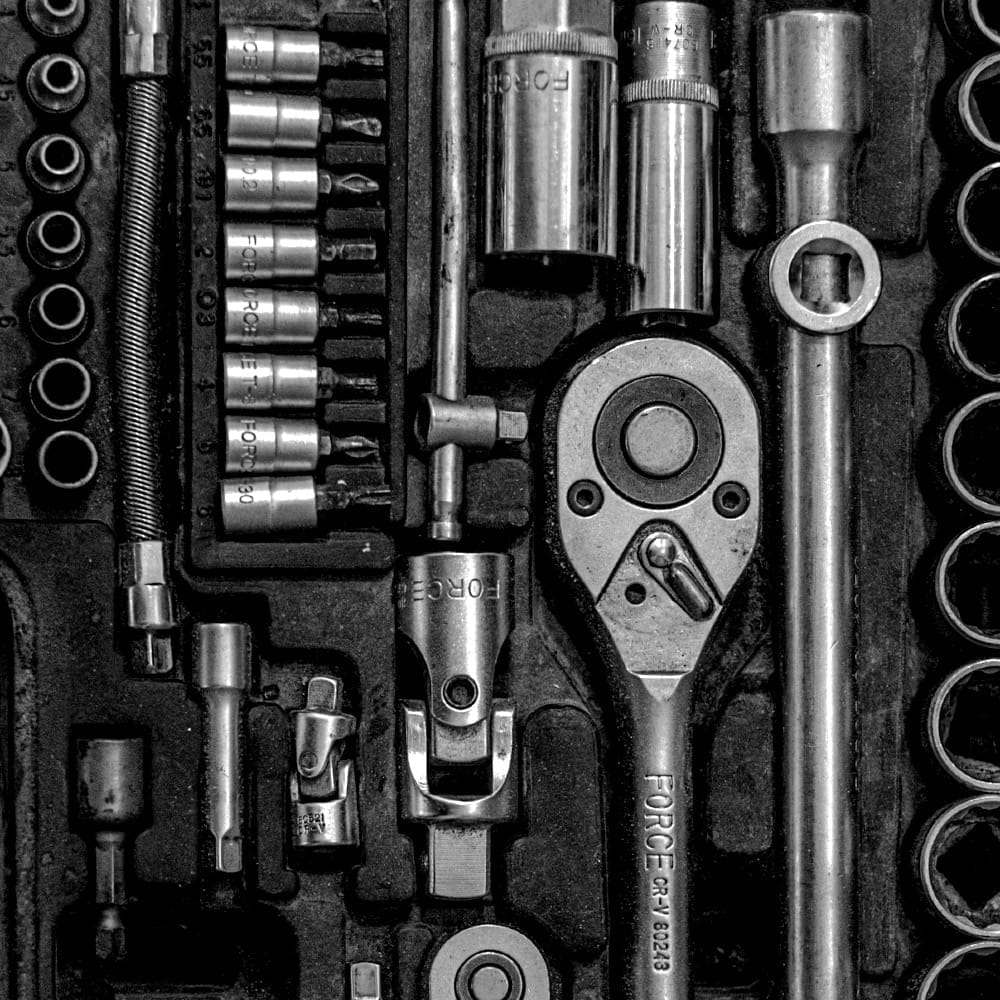
Parts for Tools
A page setting out a framework I use when thinking about making tools.
Why a framework? Because it's handy. I don't know what tools I'll have to hand. A framework for how I can use (and misuse) the things I find around the place can help me to be more resourceful.
A tool, for here, is something that acts for us. We use a tool because we work better with the tool. Tools can be pretty-much anything, by these lights: a checklist, a process, thirty years experience, a pocketknife. For this framework, we're mostly considering executable software.
We'll need to think about where our tools typically run, what triggers them, and what they operate on. See the examples.
Why make tools?
As anyone who has seen a specialist's collection of hammers knows, the right tool for the job can differ from the wrong tool by what might seem to be small details. If you can't configure an existing tool just right, you need to make your tool. You'll need to be purposeful, to experiment, and to use the tools you have around you.
You configure your tools, combine them, and use your new resulting tool for just the purpose you intended.
And then you pick it up again for the wrong thing, and stick the sharp end through your thumb. Careful of what you build.
Examples
- I have a Bookmarklet tool that runs when I click a bookmark button. It acts on the front page in my browser, and gives me a form to send that to a bookmarking service. info -> action
- I have an AppleScript tool that runs on my Mac, on request from my dock. It works with my browser and summarises its state in an alert. info->aggregate
- I have a commandline tool that runs on my Mac when I trigger it, that sees what files with particular extensions in the current directory are referenced in files in another directory. info->filter->aggregate
- I have an IFTTT tool that is triggered when someone takes a particular action on my website. It reacts to a webhook and sends me an email.
- I have a HomeKit tool that runs in my home cloud, and turns some lights on at sunset.
- I have an Ansible tool that runs on request on my Mac: it fires up and configures a remote virtual server, provisions it, loads up information, gets ssl certificates, makes a web page and starts several services.
Context: where a tool runs, what it acts on, when it is used.
A pocketknife is primarily a hand tool. It lives in your pocket and acts on things that you can pick up. You pick up the tool when you need to change something physical.
Thirty years experience is primarily a verbal tool. It lives in your head, and primarily acts on things with which you can converse. The tool is activated (it's hardly your choice) when the context switches to something that matches experiences.
Executable software tools have context, too – where they live, what they act on, what activates them. A big part of their context is how one links them together: triggers and flows. This depends on the technology you're using.
My Mac has apps. I can link those apps together with Keyboard Maestro, Shortcuts, Automator, raycast, Msty – data gets in typically with an extraction from an app or a file. The end point is when one of those linking tools causes an app to take action, to put transformed information into a file, to show aggregated info in a dialog box. I'll reach out across the internet with IFTTT, Postman, curl, n8n, ansible.
My servers have command line tools. Data typically gets in from files or is generated and sent to stdout by one of those tools. The endpoint is typically a file or an action.
My services live on the internet. Data typically is sent from one to another with an https call to an API endpoint – I might use ping to check for a connection and curl (or Postman) to get from one machine to another. I've used ssh and sftp too, and webhooks to send events. I need to think carefully about credentials. When I'm bringing up new servers, I'll use `ansible`, CloudFlare and DigitalOcean droplets. When I want a swift environment, I'll use github. When I want a tiny scrit to run unattended, I'll use cloudflare workers, and if I want
We're all using LLMs – and that's a whole other context. Replicate, OpenRouter...
Testing and testability
Tiny tools need testing, too.
Handily, tiny tools often have a clear input and expected output. As short bits of code, they can be inspected, if not always easily. If their output is disposable, then perhaps it's easier to play.
However, as they're often an amalgamation of existing tools, you may trigger behaviours that are well outside your aims – and of course they're running with your permissions, so they may have the rights to do bad stuff.
I throw my inputs through as I'm building the tool, keep a few input / output pairs around, look out for weirdnesses if I'm using a tool after I've built it, try to build in robustness if the tool seems useful-enough to keep around.
On the command line, I can use tee to see data at intermediary steps and some executable tools have an option to let me 'dry-run' before I run a command: ansible has --check and git has --dry-run . xargs has -p to ask my permission, and I can often chose to echo rather than execute a command.
For local macros, and for actions which complete in an app, I might run with a very reduced and sacrificial set of data rather than taking a chance.
I don't tend to automate tests for small tools – unless they're running as a permanent part of a test suite, like a custom assert.
Framework
I get to the right custom tool more easily if I choose to think. This framework helps me think – it's not a definitive set of patterns for tools.
A whole class of tools transforms data. Let's start with those, because we recognise and can reuse their parts.
- There's usually some part that gathers or produces information. That information has a source, typically a list, which may be in a file from some person, or be extracted from the file system, the running system, the network, or generated.
- Then that data is transformed – and tools that work on lines are different from those that work on columns, because we've got a typical pattern where each line is a similar and countable item, and each column tells us how those items differ. Transformations stack: you might filter for the lines you want, cut out only those characteristics that matter, sort by size, and filter again to highlight some extreme.
- The transformed data is aggregated or compared, taking you to some set of information that is comprehensibly small and directly relevant. And your tiny tool lets you repeat the action, so it can be tested, tuned and replayed when the initial data has changed.
- These parts need to be linked together. That linkage may be very environment-specific and dependent on where you are in a systems interconnection model. Unix systems have the redirection operators, corporates have middleware, the internet has https and (much) more, Macs have whatever restrictive / enabling flow diagram tool the OS is currently favouring...
Another class of tools takes action – again, on the file system, the system, something remote – and also perhaps on the tool and its environment. Perhaps that action is scheduled.
Another class measures something – time, space (storage or memory), CPU taken, files locked, permission.
If I start to recognise that something needs careful judgement or a particularly twitchy algorithm or process, then that's an indication that I probably need to split my end point: I need two tools and at least one of them might involve tools which get a person involved.
My parts list – make your own
This is rather unix-focussed. You'll make your own for the tools and technologies you have at your fingertips.
About this list
While the framework above has been kicking around for ages, I made this tools list with assistance from an LLM, with reference to the POSIX commands and GNU core utilities. Then I fiddled with it. It's a work in progress.
My prompt to Claude 4 Sonnet was:
> We'll be making several table of posix commands (list attached). I want the following tables: commands that produce information (like ls and ps and cat and curl), commands that change information by filtering or rearranging rows (like grep, sort, uniq, head and tail), commands that change information by filtering columns (like cut), commands that change characters (like tr), commands that aggregate or combine (like wc, paste, sum), commands which take action (like curl, mv, sh), commands that set or change context (like cd), redirection commands (like >, | and – for me – tee), commands to start a human interface (like less and top), commands that persist (like cron) or which measure (like time, du). Commands can be in more than one table. If a command is not i any table, put it in a ‘miscellaneous’ table.
> Your tables will have columns. Each command in a table should have all columns filled in if possible (if empty, make a note below the table). Columns include: description in 10 words or less | whether the command is for files (like ls and lsof), processes (like ps and lsof), networks (like netstat), the system (like ps, stat, which) or something else (categorise if I’ve missed something), a column to indicate whether the command is (notably popular, or deprecated, or superseded by something), a column to indicate if the POSIX command is in the GNU coreutils (also attached) and whether (file, text or shell), a column to indicate the other tables a command can be found in.
Info – gather / produce
files and text
| Command | Description |
|---|---|
ls |
List directory contents |
find |
Return files to match criteria |
cat |
Concatenate and print files |
df |
Report free storage space |
du |
Estimate file space usage |
file |
Report type of files |
seq |
Generate number sequences |
echo |
Display text |
system
| Command | Description |
|---|---|
ps |
Report process status |
date |
Report system date and time |
env |
Report environment variables |
newtwork / remote
| Command | Description |
|---|---|
curl |
get info from an internet source |
wget |
get a file from an internet source |
ping |
contact a network address |
ifconfig netstat ss iproute |
network information |
Excel / sheets / notepad / VSCode
| Command | Description |
|---|---|
| excel: paste csv / tsv | import rows, splitting into colums |
| copy from somewhere, paste somewhere else |
Filter and Change
filter / rearrange rows
| Command | Description |
|---|---|
grep |
Search text for pattern |
sort |
Sort lines of text files |
uniq |
Report or filter repeated lines |
head |
Copy first part of files |
tail |
Copy last part of files |
join |
Merge files on common field |
diff |
Compare two files |
| excel: use filters / sort |
filter columns
| Command | Description |
|---|---|
cut |
Cut selected fields from lines |
paste |
Merge corresponding lines of files |
awk |
Pattern scanning and processing |
basename dirname |
Extract filename / directory from path |
| excel: drag + drop / cut or copy + paste |
change characters
| Command | Description |
|---|---|
tr |
Translate characters |
sed |
Stream editor |
expand / unexpand |
Convert tabs to / from spaces |
printf |
Format and print text |
| excel: global find / replace | |
| excel: replace on import |
Aggregate and Combine
| Command | Description |
|---|---|
wc |
Count lines, words, bytes |
paste |
Merge lines of files |
join |
Join files on common field |
sort |
Sort and merge files |
sum cksum |
Checksum |
test |
Evaluate expressions |
| excel: pivot |
Take action
on files
| Command | Description |
|---|---|
> >> |
write to / append to a file |
mv cp cp |
Move or rename / copy / remove files |
mkdir rmdir |
Make / remove directories |
chmod chown chgrp |
Change file permissions / ownership / group |
ln |
Link files |
touch |
Change file timestamps |
trigger and act on processes
| Command | Description |
|---|---|
kill |
Terminate processes |
sh |
Shell command interpreter |
nohup |
Run immune to hangups |
xargs |
do a command on all items |
remote action
| Command | Description |
|---|---|
curl |
send info to an internet endpoint |
ping |
check response |
ssh |
log into a remote |
Set or change context
| Command | Description |
|---|---|
cd |
Change working directory |
env |
Set environment for commands |
Linking and redirecting
| Command | Description |
|---|---|
tee |
Duplicate standard output |
| (pipe) |
pipe output to input |
> |
Output redirection - overwrite |
> |
Output redirection – append |
< |
Input redirection |
Measuring
| Command | Description |
|---|---|
time |
Measure command execution time |
du |
Measure disk usage |
df |
Measure filesystem space |
ps + options |
various measures of processes i.e. memory / CPU / uptime |
Scheduling / repeating
| Command | Description |
|---|---|
cron |
Schedule periodic tasks |
at |
Execute commands later |
watch |
execute a command regularly |
Start a human interface
| Command | Description |
|---|---|
less |
Page through files |
more |
Display files page by page |
top |
Display running processes |
vi |
Visual text editor |
ed |
Line text editor |



Comments
Sign in or become a Workroom Productions member to read and leave comments.