

Sitegeist as an Exploratory Interface
In this session, we'll play with the browser extension Sitegeist. I think it's interesting as an exploratory interface to anything in a web page. It's not unique, but it's on a sweet spot between accessible and powerful. So let's play with it and see what we find.
This will be a longer session – I imagine an hour.
You'll need to install Sitegeist as a browser extension – and for that you'll need a Chromium browser. You've probably already got Chrome. I've put it into Brave.
You'll also either need a key for an LLM, or a local LLM. I'll set up a limited key for you, if you ask.
So Sitegeist is a way to give the website you're looking at, to an LLM, along with your thoughts. It can do stuff through the UI, it can directly affect the DOM, it can read and run the JavaScript in the page directly / through user scripts / through the debugger. It let you look at what you've been doing, automates experiments if you ask, has memories and sessions behind the scenes, can make dashboards, can iterate and analyse, lets you set up skills for individual sites.
For giggles, I opened Puzzle 38 and asked a Claude Haiku via the Sitegeist extension to hypothesise what was going on, to test that hypothesis, and to stop when it had a testable hypothesis that it could summarise in 300 characters. Took about 5 minutes of blinkenlighten, needed a nudge, then came back with a plausible description of the underlying principle. It clearly has handy tricks for exploratory testers, and I don't yet know what they are.
Exercise
Let's start with Puzzle 38 .
- ask Sitegeist what events the UI responds to, and how it shows responses
- ask it how it knows, if you're not satisfied with what it tells you
- ask it to summarise all that in a markdown.
- Download the
.md. and start a new conversation. - Ask Sitegeist to build a tool to let you specify a sequence of L / R buttons, and to automate clicking that sequence, using the info in the markdown to help. This is an exploratory interface. Maybe ask it to capture the lamps after the clicking is done, too. Maybe ask it for a speed parameter.
- try sequences to your own design
- ask the thing to build a 'complete' set of sequences, iterate over them capturing the outputs, analyse the outputs with the aim of creating hypotheses about the way the buttons affect the lamps, then test those hypotheses by seeking disconfirmation as well as confirmation.
- when it settles, ask it to check the code.
Let's go to EvilTester's Basic Shopping Cart app
- ask it to observe as you explore. This is the exploratory interface
- explore. Tell it what you note. This is another way in
- ask it to summarise what it saw, and what you mentioned.
- identify areas that are of interest. Ask it to explore those areas, and to report back with repeatable evidence.
Sitegeist
It's a browser extension for Chomium browsers.
It was released in October 2025, and went open-source and (basically) unmaintained in March 2026.
 Mario Zechner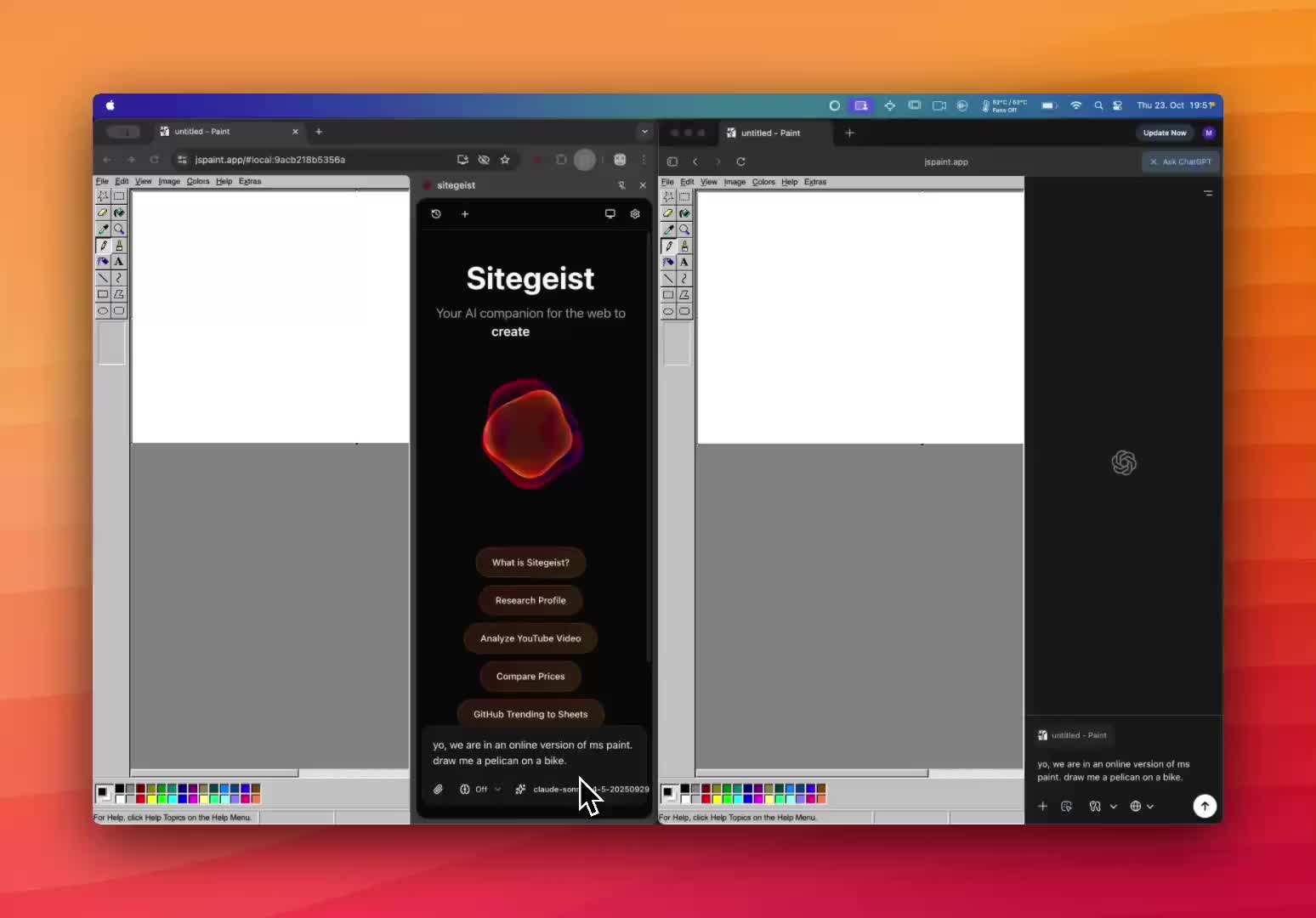
It was made by Mario Zechner, who made pi.dev, (the LLM coding agent lying under OpenClaw). Here are his notes on Sitegeist – and also information about why he (at that time planned to take / subsequently took) it open-source. Mario left Sitegeist behind in March, and took Pi with him into Earendil in April.
So: what are we going to do? I'm not sure yet – but I'll scribble here as I try stuff out, you'll think of and try other things, and together we'll see what areas have potential, and what is just smoke and jelly.
Try first:
- a set of experiments across a range
- summarising results of experiments and setting up more based on summary
- a skill for a specific page
- a skill for a specific class of oddness
Comments
Sign in or become a Workroom Productions member to read and leave comments.